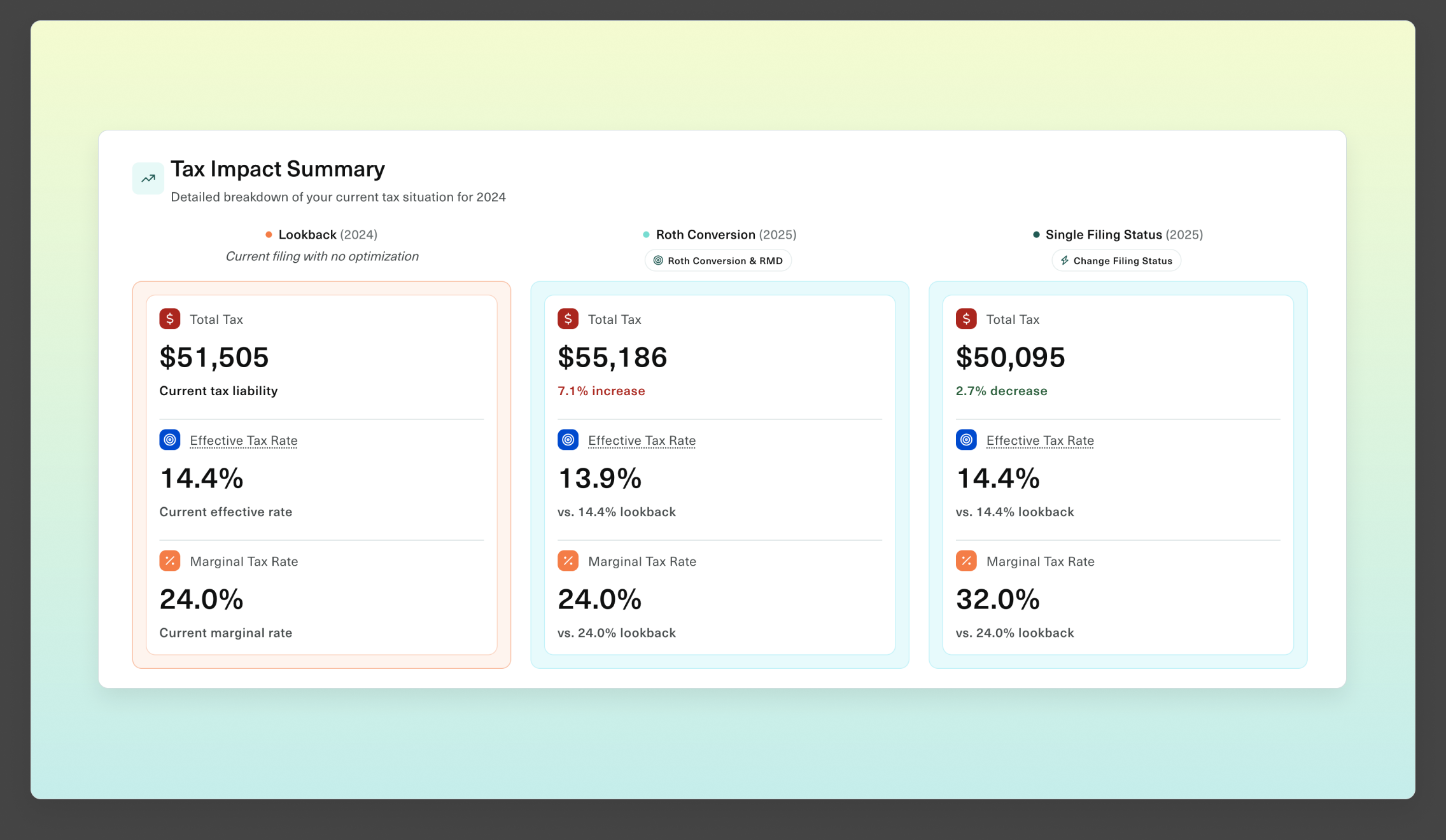
“What if” gets a number

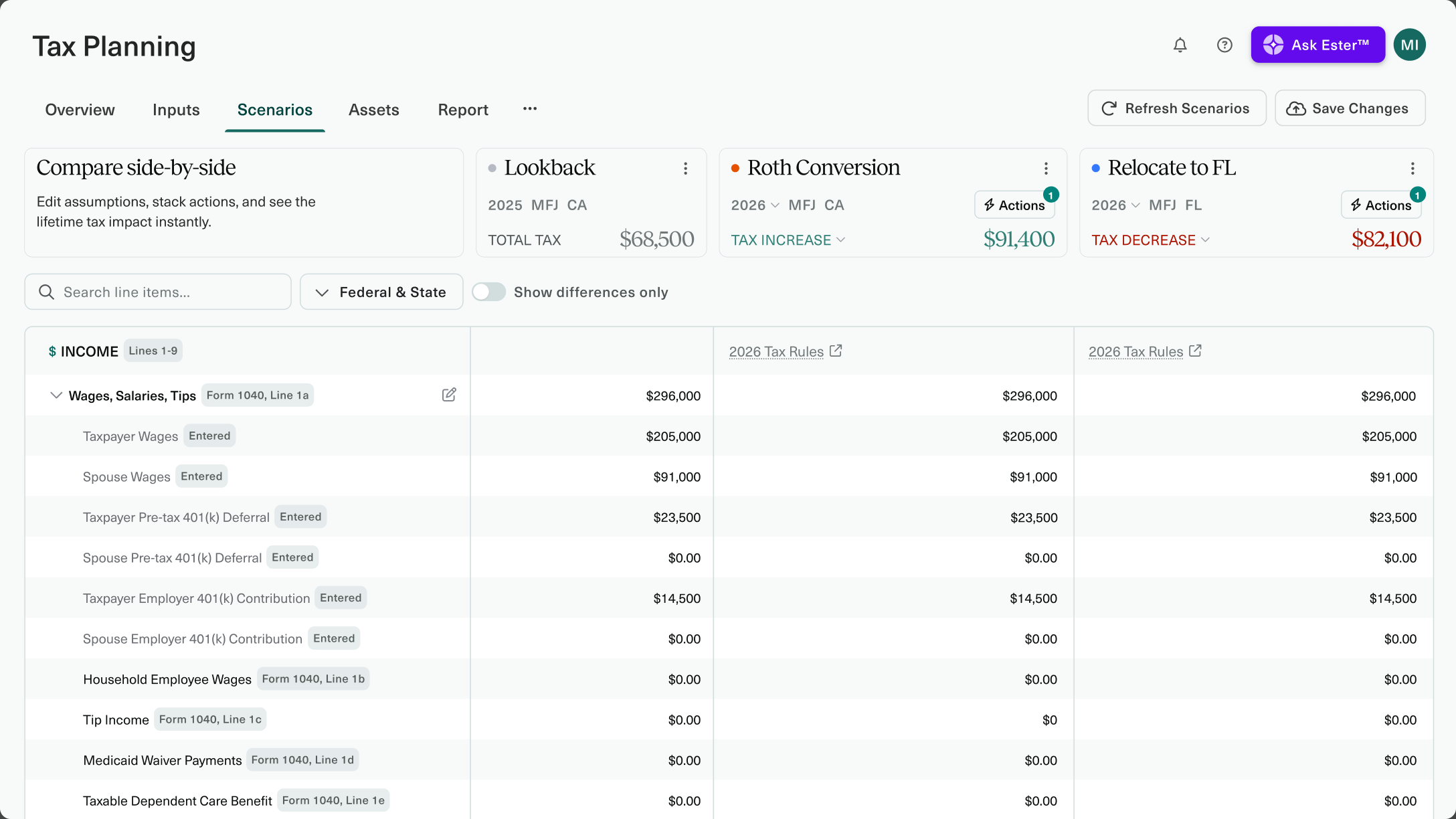
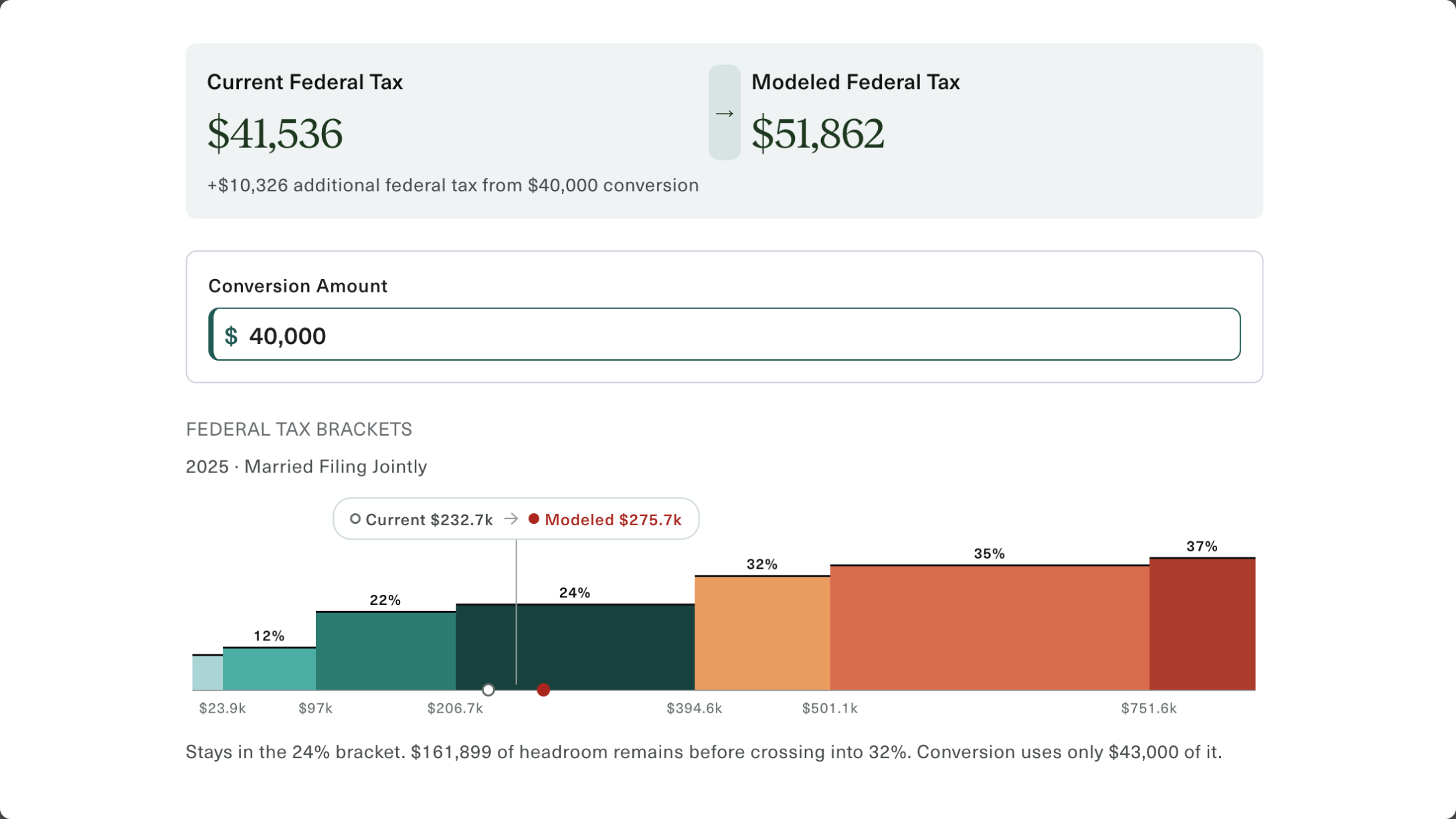
Model a Roth conversion, a change in filing status, an IRA or workplace plan contribution, adding or removing a dependent. Each one runs against the client's actual return, so the answer is a real dollar figure for their situation.

Without a number, there’s no decision.

A client asks whether a Roth conversion makes sense and the honest answer depends on six things. So it goes to a spreadsheet, or to their CPA, or into the notes for next quarter. The idea was sound. It just never got specific enough to do anything about.
Easy for clients. Powerful for advisors.

The return is
just the beginning

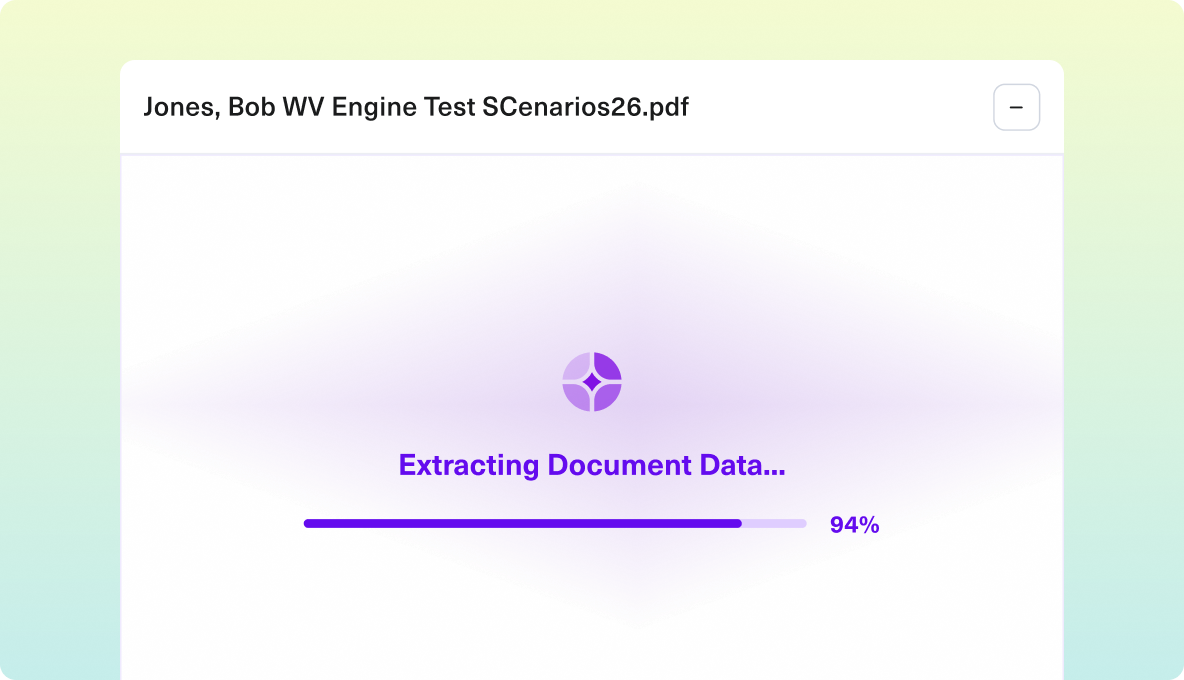
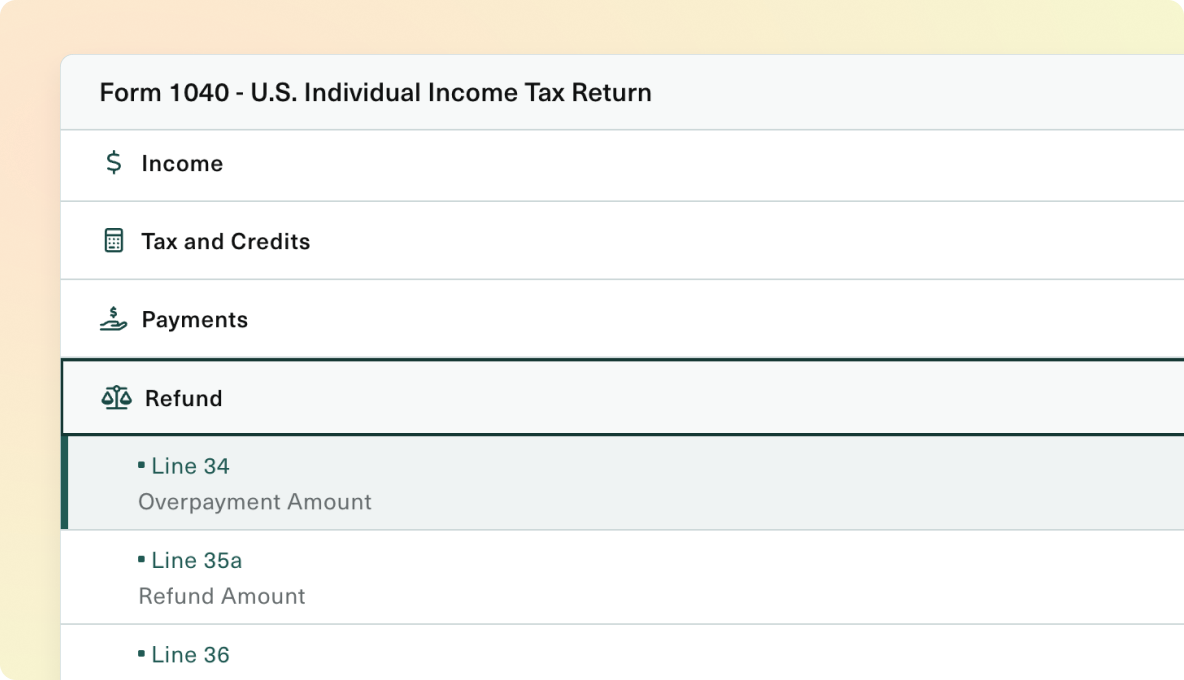
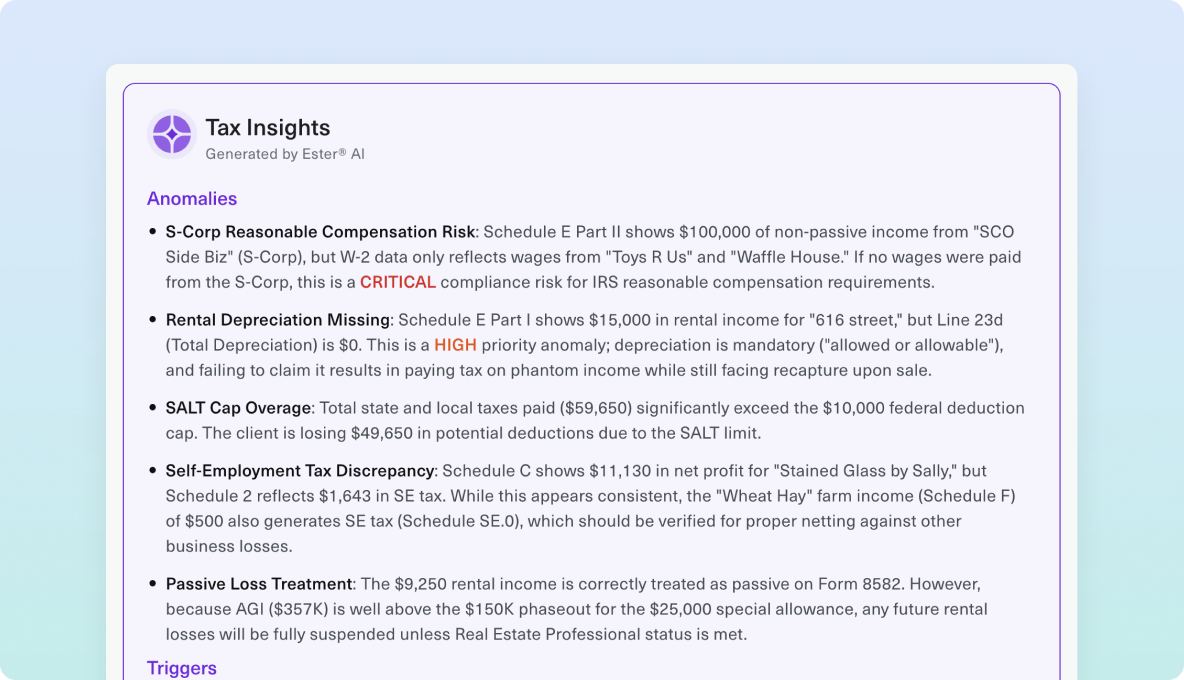
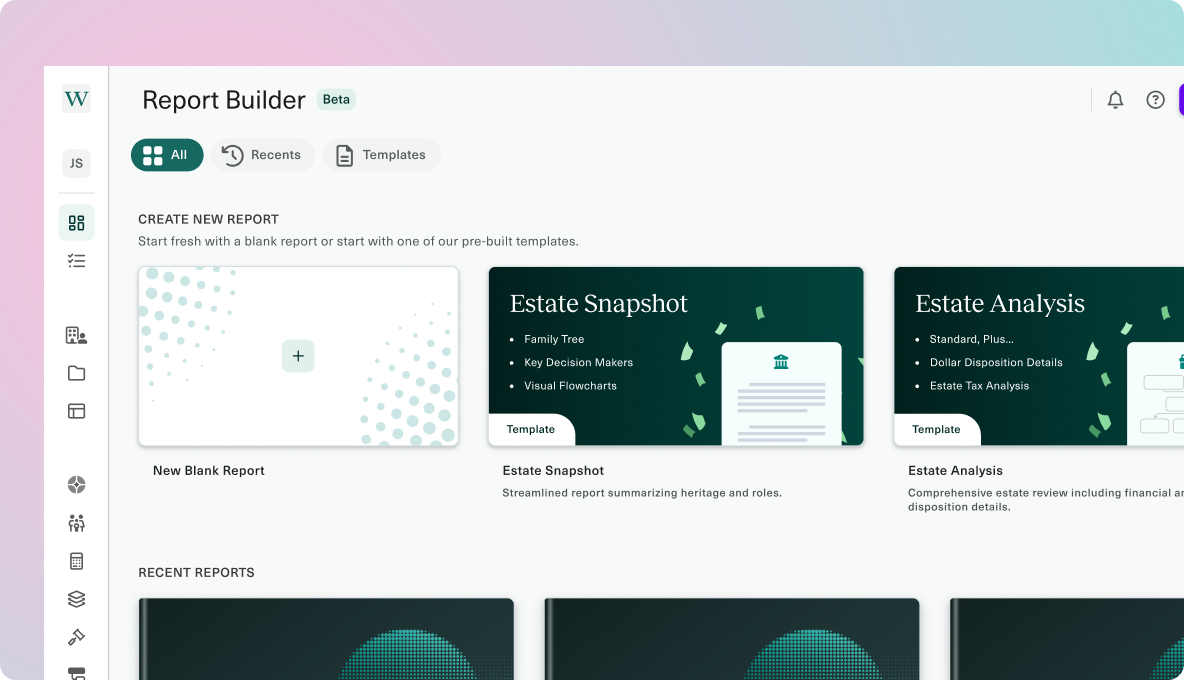
Once a return is uploaded, Ester analyzes and helps to spot opportunities, model strategies, and build client-ready reports.

Put Scenario Comparison to work

Ideas and insights for bringing tax planning to more clients.

Promotional image for a virtual event titled 'Taxes in Retirement: Planning Strategies That Protect Legacies' scheduled for July 17, 2025, at 10 AM PT and 1 PM ET. Features photos and names of speakers Dave Haughton, Senior Corporate Counsel at Wealth.com, and Steven Jarvis, CEO of Retirement Tax Services. Logos of wealth.com and Retirement Tax Services are shown.

Taxes in Retirement: Planning Strategies That Protect Legacies (CFP® CE Eligible)

Capital Gains vs Estate Planning – resource thumbnail

Capital Gains vs Estate Planning

Dive Into the One Big Beautiful Bill – resource thumbnail

Dive Into the One Big Beautiful Bill

Bring Scenario Comparison to your clients

FAQ

Scenario Comparison FAQs

Give clients a clearer view of their choices before they act.

What does Scenario Comparison do in Wealth.com?

Scenario Comparison lets advisors compare alternative tax planning outcomes side by side. It turns a client's “what if” question into a clearer view of the potential tax impact, helping your team explain tradeoffs and guide a more informed decision.

Are scenarios based on the client's own information?

Yes. Wealth.com uses the client's tax information and the assumptions you choose for the analysis. Comparing alternatives against a common starting point makes the discussion specific to the household and helps clients see why a planning choice matters to them.

Can I compare the impact of changes in a client's circumstances?

Yes. Advisors can use the inputs and calculations available in Tax Planning to explore alternative situations and compare the modeled results. That makes it easier to discuss changes in the client's financial picture with a concrete analysis behind the conversation.

Can I use Scenario Comparison during a client meeting?

Yes. Side-by-side results help clients follow the discussion, see what changes between the options, and ask better questions. Advisors can explain the assumptions alongside the figures and keep the meeting focused on the decision the client is considering.

How does Scenario Comparison help an advisor communicate value?

Scenario Comparison makes planning value visible. Instead of leaving a client with an abstract discussion, advisors can show how different choices may affect their tax picture and explain the reasoning behind the next step.

How does Scenario Comparison connect to the rest of Wealth.com?

Scenario Comparison sits within Wealth.com's tax planning workflow, alongside document intake, deeper analysis, and client reporting. Advisors can move from understanding the client's situation to comparing choices and presenting the findings in one platform.