Wealth.com has a new look, and this release meets you where you already work. Ester® now runs inside Schwab Advisor Center, and ChatGPT can connect to Wealth.com. Ten new custodial connections keep balances current. Report templates, new slides, and much more.
Wealth.com has a new look
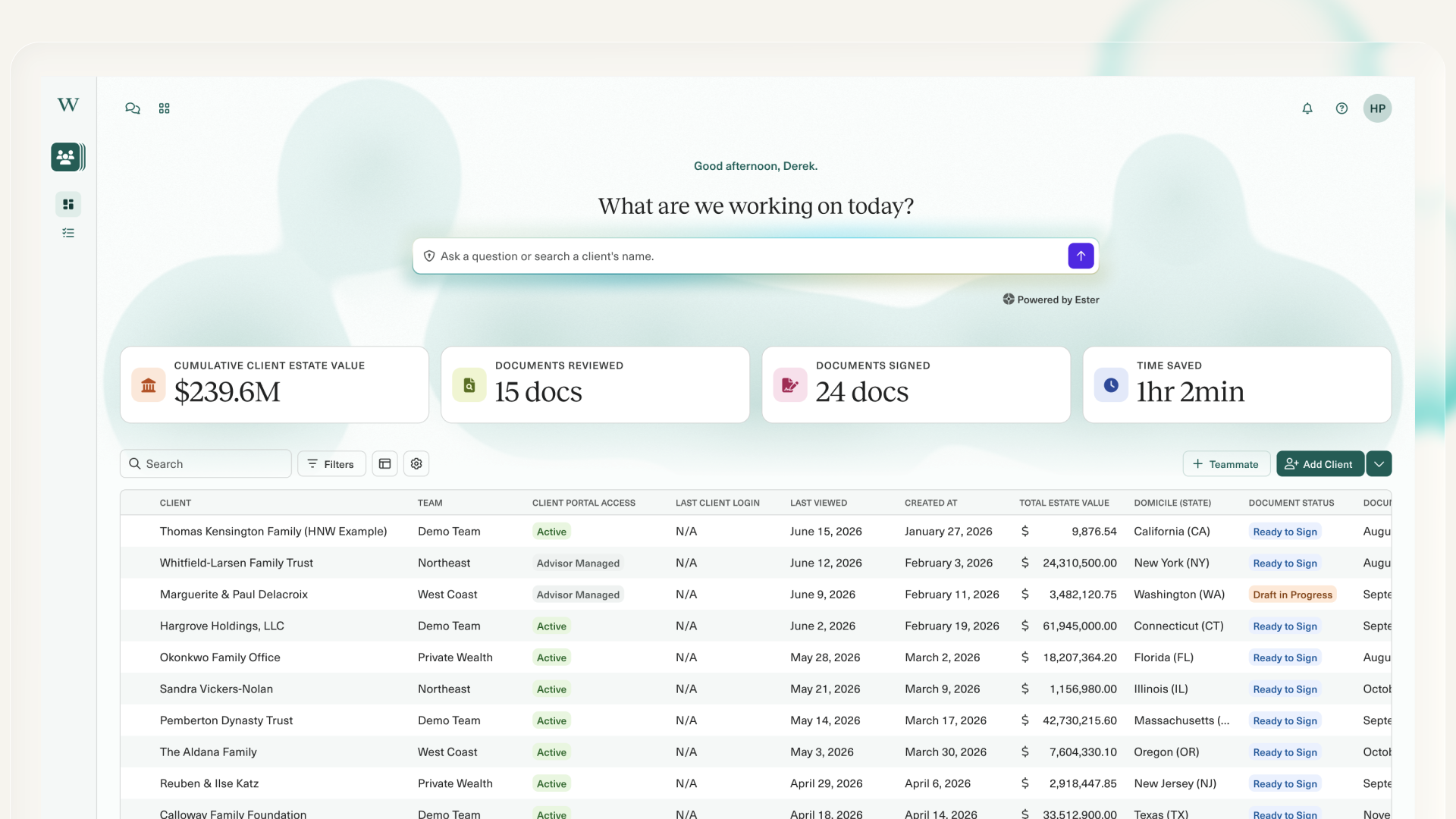
Your dashboard, navigation, Client Overview, Vault, and People & Entities all got a glow-up: cleaner, easier to read, and quicker to move through.
- More on screen. Redesigned tables mean more rows at a glance in client lists, asset detail, and contact records.
- Navigation that stays out of the way. The menu overlays the page, so your content never shifts underneath you.
- Accessibility improvements throughout.
Ester in Schwab Advisor Center
Ester is now embedded in Schwab Advisor Center, available to every SAC user, with no Wealth.com license required. The same tax and estate planning expertise, without switching to a new tab. Look for Tax & Estate Planning with Ester® AI at the top right of any Accounts tab page.
Upload a trust, a will, or a tax return and run one of four workflows, each returning a client-ready PDF:
- Executive Summary. A client-ready summary of an estate document.
- Estate Insights & Observations. What’s worth raising before the next conversation.
- Estate Flowchart. The disposition structure as a visual.
- Tax Summary & Planning. A Lookback Report and insights from a filed return.
Or just ask an estate or tax question and get an answer with source citations, powered by the same calculations behind the Wealth.com platform.
Access runs through Schwab’s firm security groups. Ask your Firm Security Administrator to enable Access Ester AI in Schwab Advisor Center.
Connect Wealth.com to ChatGPT
In September 2026 we brought estate and tax planning into Claude. The same connector now works in ChatGPT. Ask ChatGPT a question about a client and get a Wealth.com answer. Ask things like:
- What happens at the first spouse’s death?
- When do children gain control of their inheritance?
- What does a filed return show for income, deductions, and effective rates?
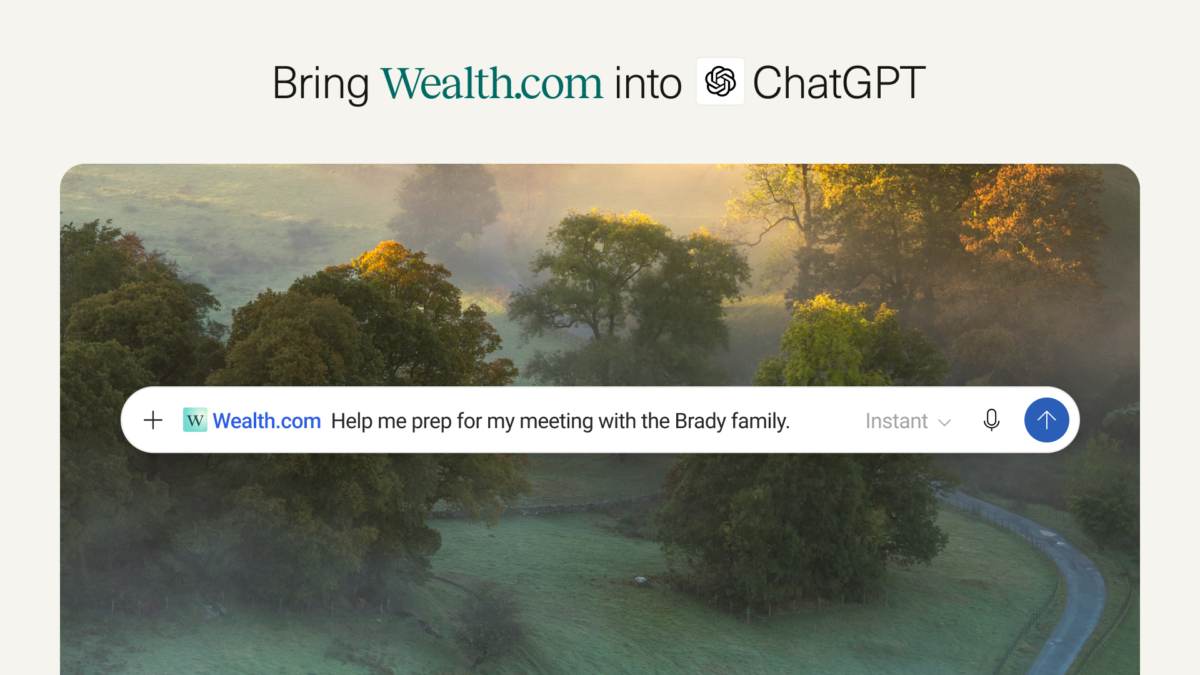
Answers come from your own Wealth.com data and the same engines behind the platform, not from the open web.
The connector uses our MCP to access functionality like estate document analysis with page-level citations, a household’s balance sheet and how assets are titled, beneficiary designations, filed-return summaries, and tax scenarios like a Roth conversion or a roll-forward under current law.
Enabled at the firm level, subject to compliance approval.
Report templates
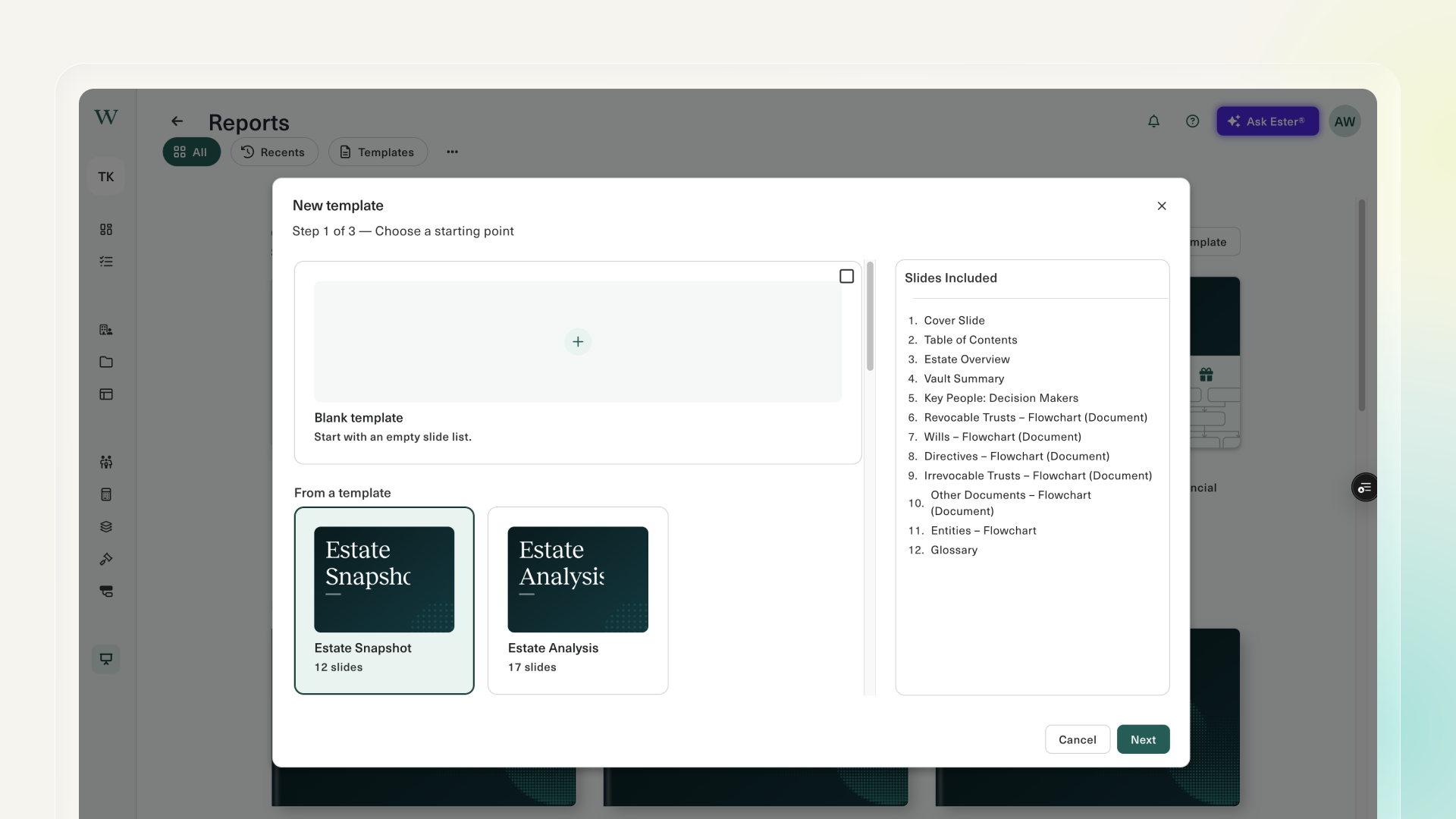
You can now save any report as a template and use it again and again. Select + Create template on the Reports page, choose your slides and the order you want them in, and every report you start from that template opens that way, with trust, entity, and scenario slides filled in for whoever you’re working with.
You can also save a template to your team, so everyone works from the same format instead of each person building their own.
Ten new custodial connections
Available the week of November 23
A balance sheet is only useful if it’s current, and keeping it current has meant exporting a CSV or re-keying values before every meeting.
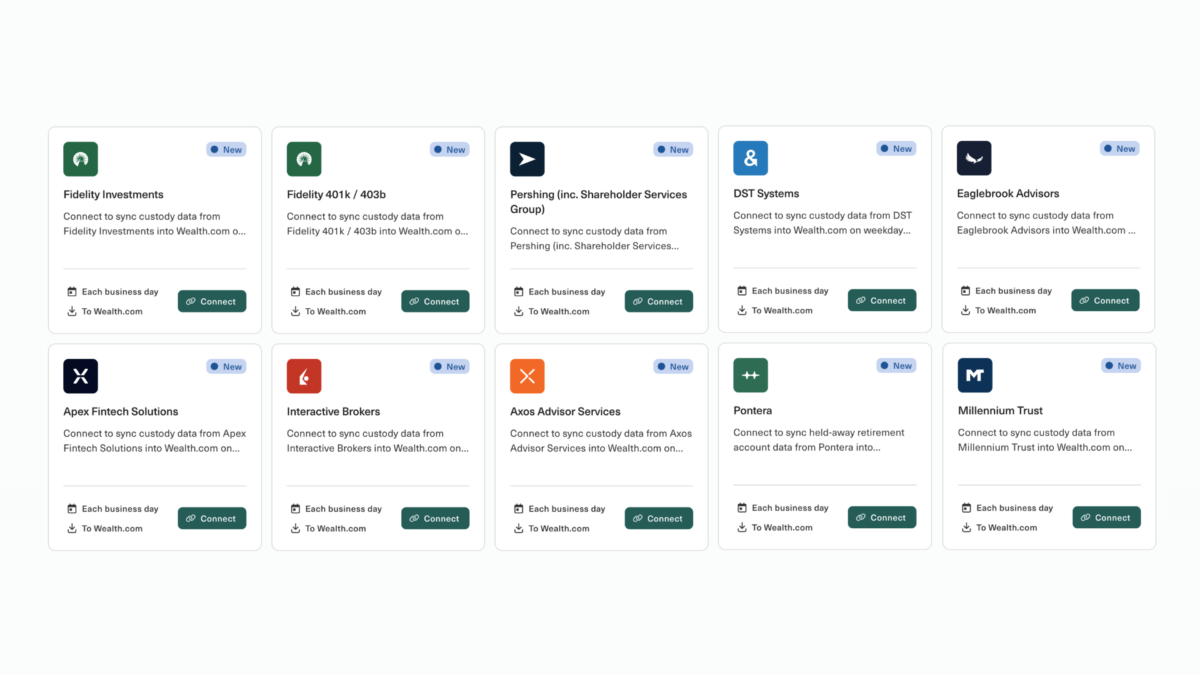
Ten new custodial connections will be available on the Integrations page the week of November 23, 2026: Apex, Axos, DST, Eaglebrook, Fidelity, Fidelity 401k/403b, Interactive Brokers, Millennium Trust, Pershing, and Pontera.
Connect a client’s accounts once and balances refresh automatically every day. These connections are powered by our partnership with BridgeFT, a multi-custodial data infrastructure provider. Find them under Custody on the Integrations page, where each card shows what data flows and how often it syncs.
Model a qualified charitable distribution
Tax Planning license required
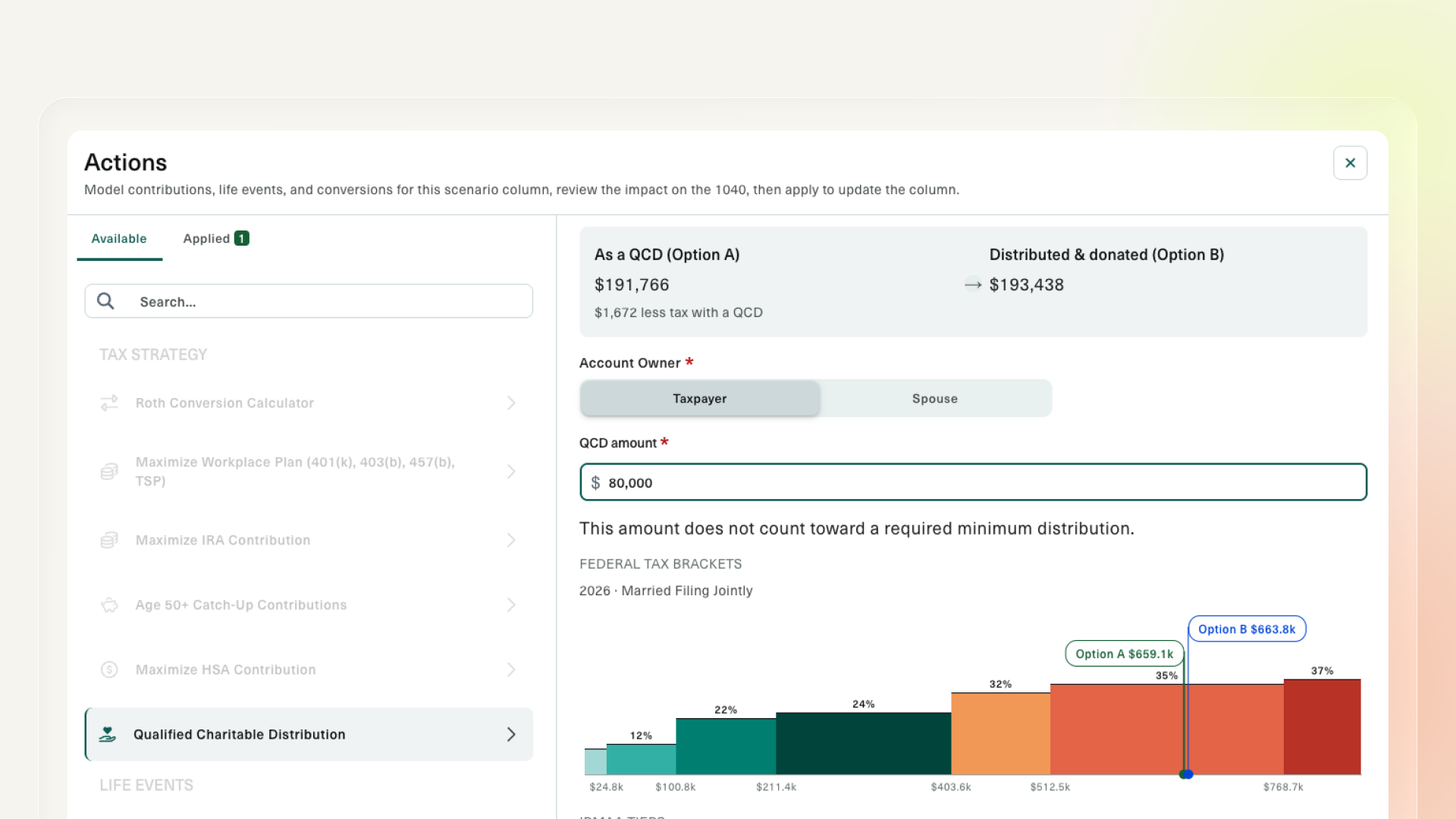
For a charitably inclined client over 70½, a QCD is often the cleanest way to give. Until now, showing them why meant leaving the return.
Now you can model it as a scenario in Tax Planning. The distribution comes off taxable income, and the effect on AGI and everything downstream is calculated alongside the rest of the plan.
That rounds out the major modeling scenarios: Roth conversions, income and filing-status changes, catch-up and HSA contributions, estimated payments, and mortgage interest.
Getting plans signed and executed
Order a mobile notary for advisor-managed clients
Signing is where plans stall. Order a mobile notary straight from the dashboard: pull documents from the client’s vault or upload new ones, pick a time, request witnesses. The notary travels to the client.
Works for plans built outside Wealth.com, and for irrevocable trusts, mortgages, and deed transfers.
$295 covers a trust or will, or multiple documents in one visit. $175 covers a single non-estate-planning document. Printing and witnesses are included in both.
A clearer trust funding step
Trust funding now comes at the end of document creation instead of the beginning: a simple confirmation rather than a confusing early decision.
Every client gets a plain-English explanation of the standard $20 funding method. Clients in California, Texas, Nevada, and Washington see an optional panel for assigning specific assets.
Other updates and improvements
- A redesigned Integrations page. Integrations are now grouped by category: custody, portfolio data, planning, CRM, meeting notes. Each card shows whether it’s connected, which way data flows, and how often it syncs, so you can spot a broken connection at a glance.
- A smarter engine behind Tax Insights. Every return now gets two passes: an integrity check that flags what’s missing or doesn’t tie out, and a planning pass grounded in the client’s own numbers. Insights now generate on every return.
- Social Security numbers masked in tax documents. SSNs are masked in the Lookback Inputs viewer, so you can open a client’s tax documents on a shared screen without exposing sensitive identifiers. Applies to documents uploaded from this release onward; earlier documents aren’t retroactively masked.
- Beneficiary Designations slide. A new report slide showing what passes by designation and what passes by document, side by side in the same deliverable.
- Duplicate a report. Copy any report from the Reports page and build the next version from it.
- Firm attestation on download. Require an attestation before a report is downloaded or saved. Reach out to your Account Manager to customize the wording.
- Larger text on the Estate Overview slide. Readable in the exported PDF and in print.
- Word documents work with Ester automatically. Upload a Word document and Ester reads it immediately, with no categorizing step and no conversion prompt.