Forward the document.
Ester does the rest.
Email estate and tax documents to Ester. Get an executive summary in your inbox,
plus a fully prepared client or prospect record inside Wealth.com. It’s the fastest way to turn complex documents into actionable client conversations.
Your inbox just got a planning associate
Advisors already receive estate and tax documents by email. Ester Email turns a simple forward into a complete intake and analysis workflow.
Email or forward one or more estate and tax documents to Ester. There is nothing to upload, configure, or learn.
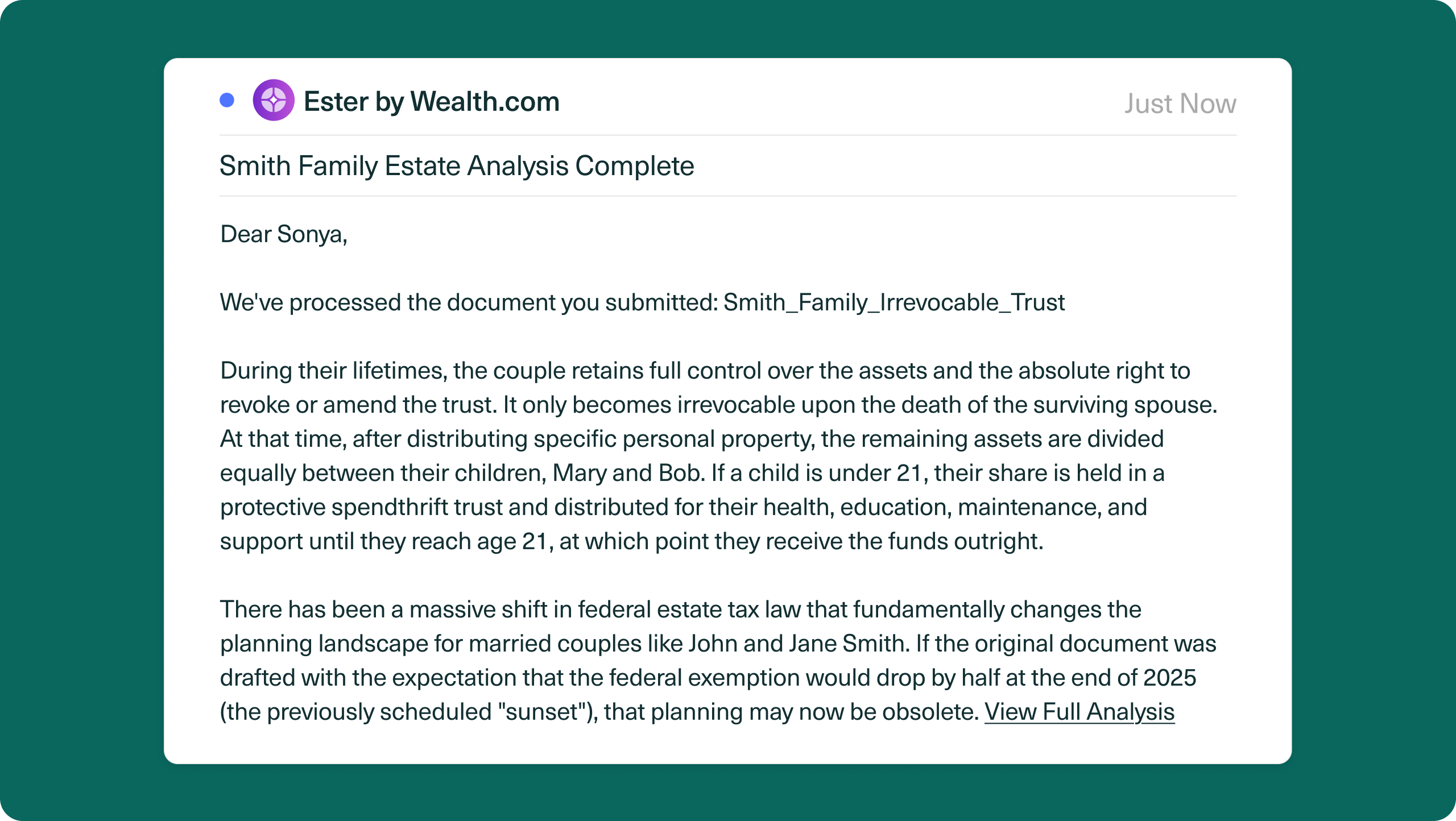
Ester confirms that the documents were received, then delivers a concise executive summary directly in the email. It is easy to scan, even from your phone.
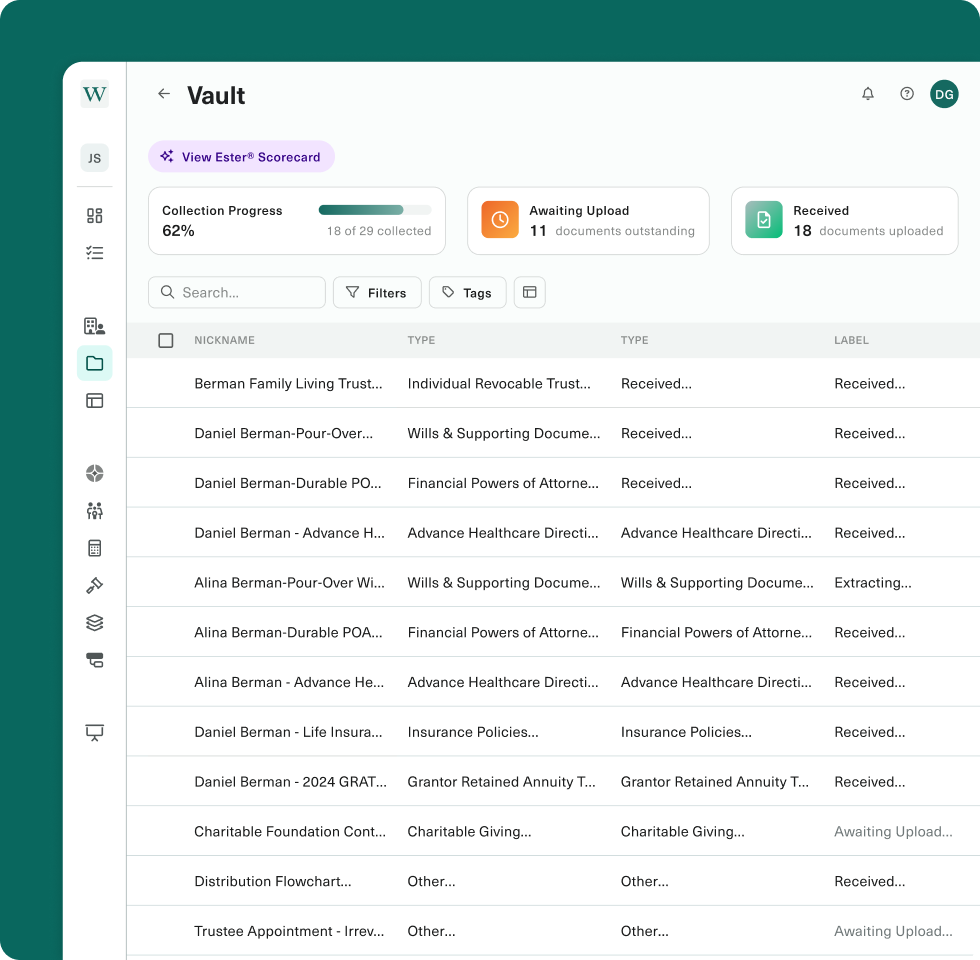
A secure link takes you straight to the fully processed record in your vault, with the document categorized, key details extracted, and the complete Ester analysis ready to review.
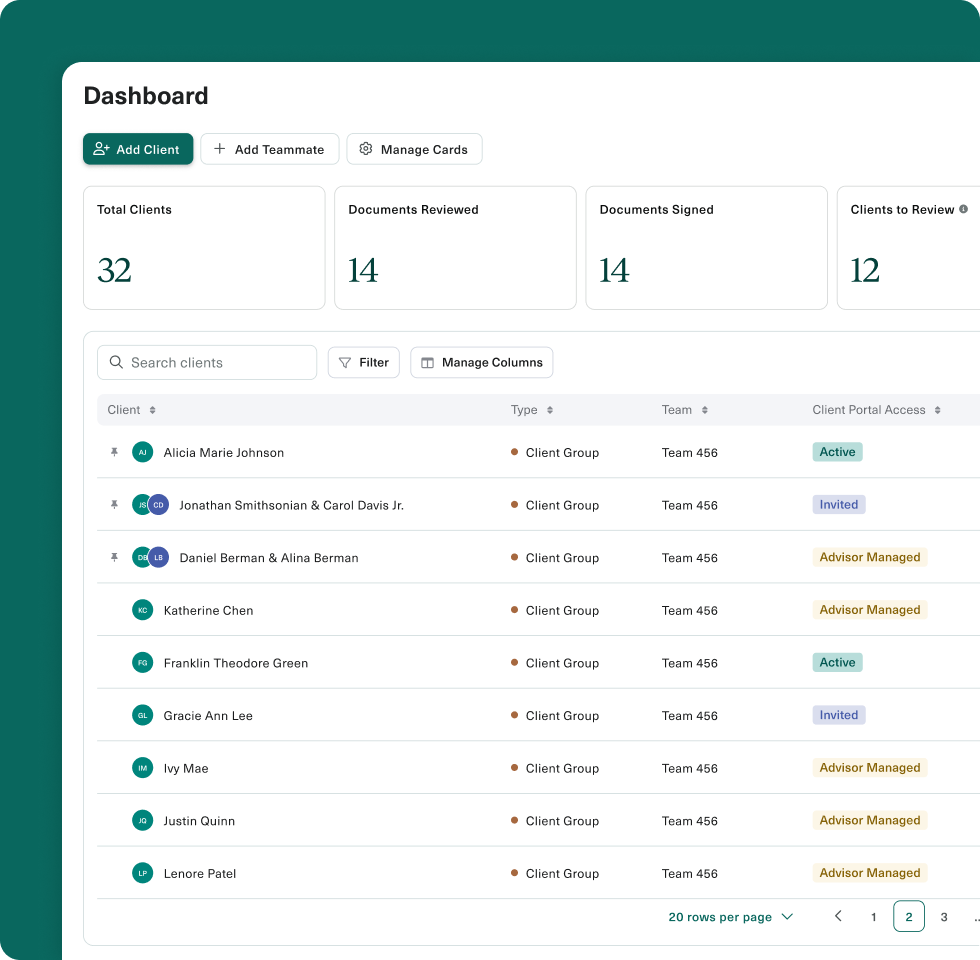
Ester captures the client or prospect information and pre-populates it inside Wealth.com. The document, data, and analysis are ready before you ever open the platform.
One forward unlocks the whole workflow.

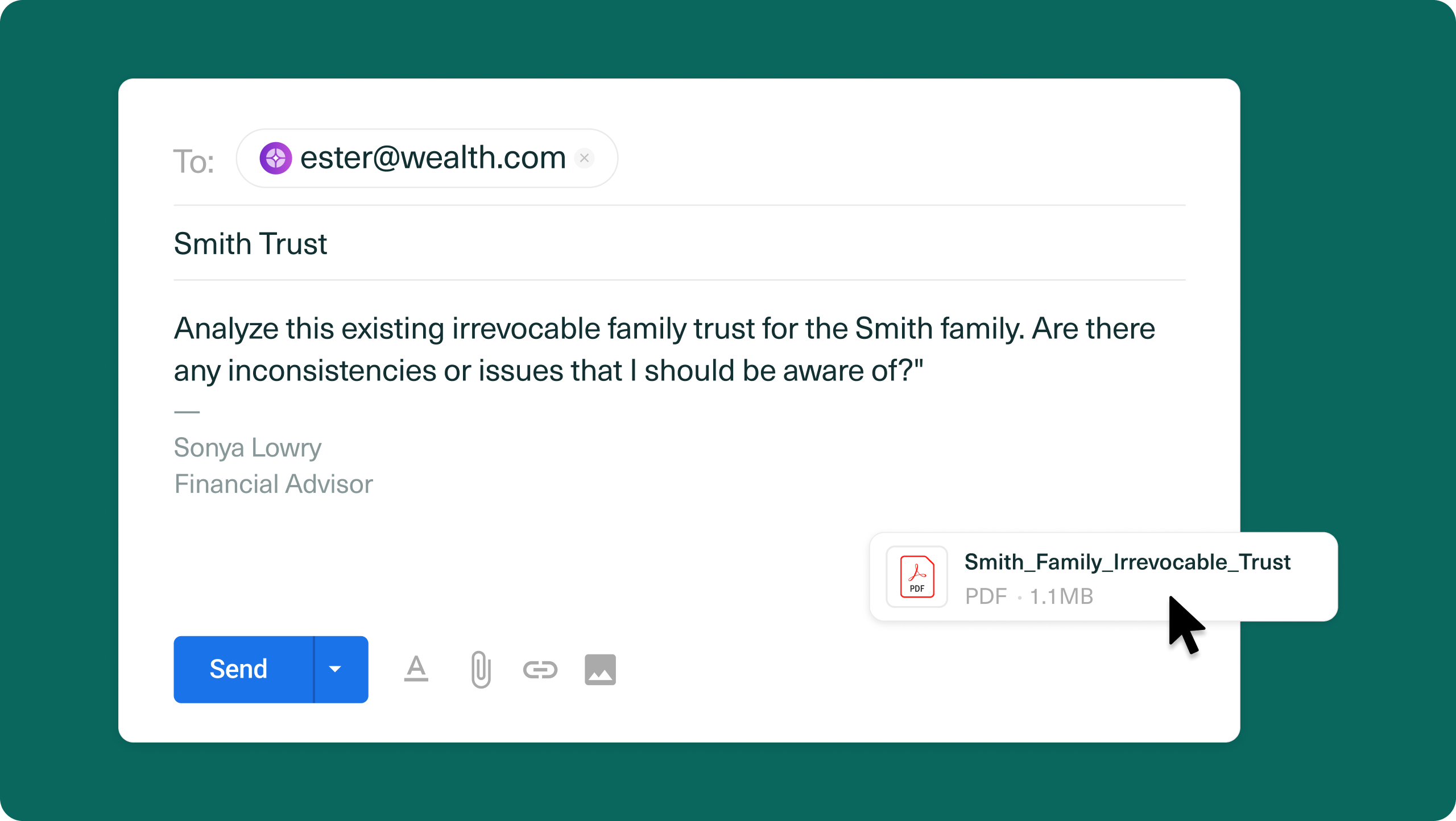
Send the estate or tax documents already sitting in your inbox to Ester. One attachment or several, Ester handles them together.

Ester identifies each document, extracts the key people and planning details, and generates a clear executive summary.

Review the summary in your inbox, then open the full record in Wealth.com with the client or prospect information already captured.
The intelligence comes to you
Get the answer in your inbox. Find the complete record waiting inside Wealth.com.
The work starts before you login
Estate and tax documents already arrive by email. Now, the intelligence can begin there too.
With Ester Email, advisors can start an end-to-end document workflow without opening Wealth.com, creating a record, or entering a single field. Forward the message and Ester gets to work.
The shortest path from document received to planning ready.
No new portal. No new process.
The best workflow is the one you already know.
Ester Email meets advisors inside the inbox they use every day. There is no setup to master and no behavior to change, which means advanced estate and tax intelligence can become part of the firm’s document flow from the first email.
Nothing new to learn.
From attachment to client record.
An emailed document should not become another disconnected file or another round of data entry.
Ester identifies the client or prospect, captures the important details, stores the document in the advisor’s vault, and prepares the record for continued planning inside Wealth.com.
The inbox becomes an intake channel. The document becomes intelligence.
- What is Ester Email? →
- How does Ester Email work? →
- Do I need to log in before sending documents? →
- Does Ester Email create the client or prospect record? →
- What happens after Ester processes a document? →
- How quickly will I hear back? →
- Can I use Ester Email for prospects? →
- How does Ester Email handle sensitive documents? →
Ester Email is a new way to send estate and tax documents into Wealth.com. Advisors email or forward documents to Ester, then receive an AI-generated executive summary while Ester prepares the complete client or prospect record inside the platform.
Forward an email with one or more supported estate or tax documents attached. Ester confirms receipt, analyzes each document, emails back an executive summary, and provides a secure link to the fully processed record in your Wealth.com vault.
No. The workflow begins from your email. You can review the executive summary in your inbox, then follow the secure link when you want to see the full analysis inside Wealth.com.
Yes. Ester captures the available client or prospect information from the documents and pre-populates the record inside the advisor’s Wealth.com account.
The document is categorized and stored in the advisor’s vault, key details are extracted, and the full Ester analysis is made available inside Wealth.com. The advisor also receives an executive summary directly in the email.
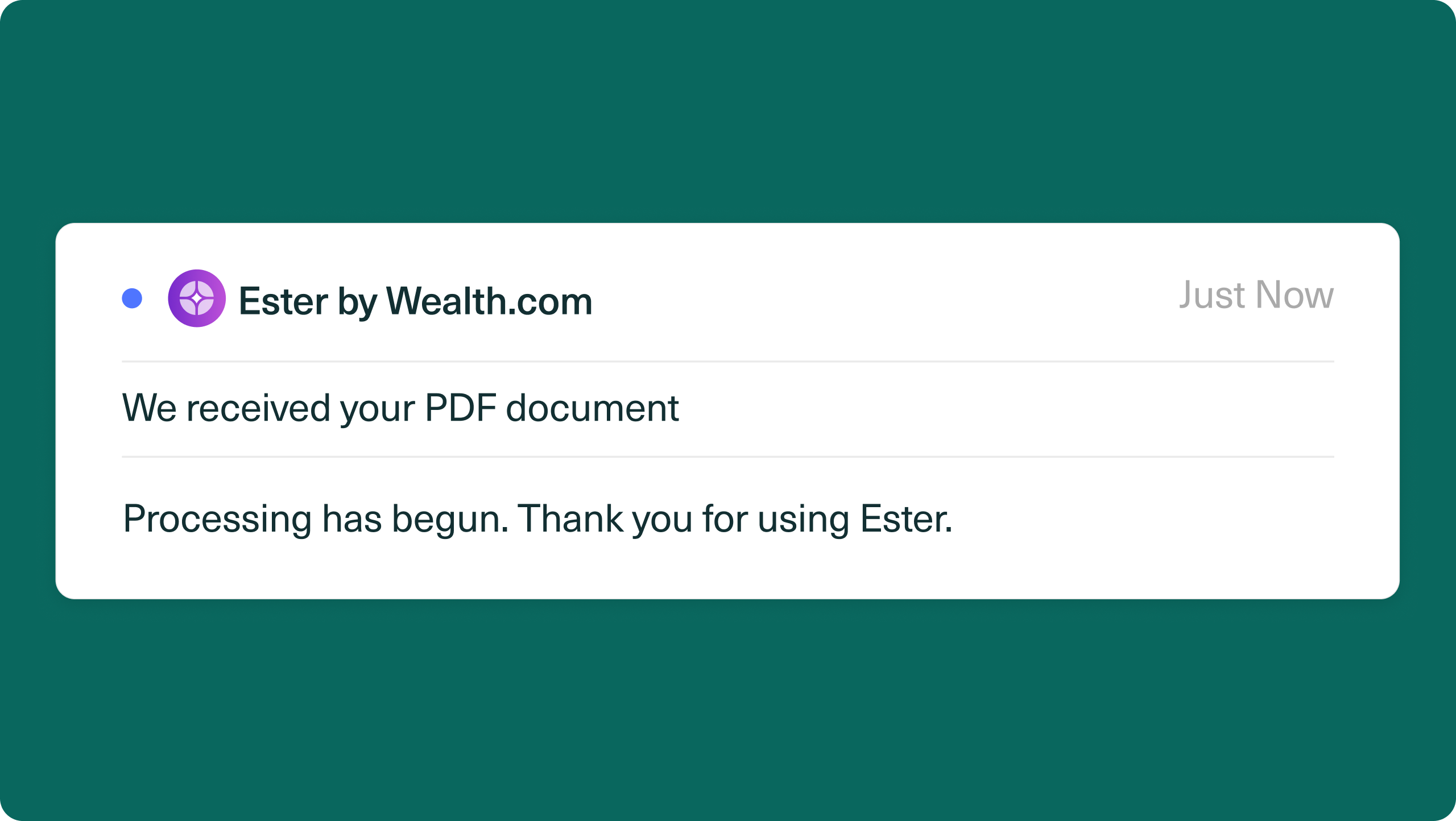
Ester sends a fast acknowledgment so you know the documents were received and processing has begun. The executive summary follows after the analysis is complete. Processing time can vary based on the number, size, and complexity of the documents.
Yes. Ester Email can capture information and prepare a record for either an existing client or a prospect.
Wealth.com protects sensitive estate and tax documents with bank-level encryption and industry-leading security controls. Ester verifies the sender before processing begins, then stores the document and extracted information in the advisor’s secure vault inside Wealth.com. The workflow is easier. The security standard remains best-in-class.