This month’s updates bring Wealth.com into more of the places you work and make everyday planning tasks easier, from importing client information to sharing estate projections and helping clients get their documents in place.
Bring estate and tax planning into Claude
You can now ask Claude questions about a client’s estate plan or tax return, prepare for an upcoming meeting, and explore tax scenarios using Wealth.com’s calculations.
The Wealth.com connector brings your planning information into Claude, with citations that help you return to the supporting documents.
Ask questions like:
- “What happens to the Riley family’s assets at the first spouse’s death?”
- “Pull up the Chen family’s estate plan. Flag anything worth raising before tomorrow’s meeting.”
- “What would this client owe on a $200,000 Roth conversion this year?”
“As we built Claude for Financial Advisors, we focused on bringing the best of the advisor technology ecosystem directly into advisor workflows. Wealth.com has established itself as the trusted estate and tax platform for wealth management firms, making its capabilities a natural complement to what we’re building. Together, we can give advisors a more complete set of tools to support the work they do for clients every day.”
Peter NolanHead of Asset and Wealth Management at Anthropic
Bring more of your client book into Wealth.com
New and improved imports help you get client information into Wealth.com with less manual entry.
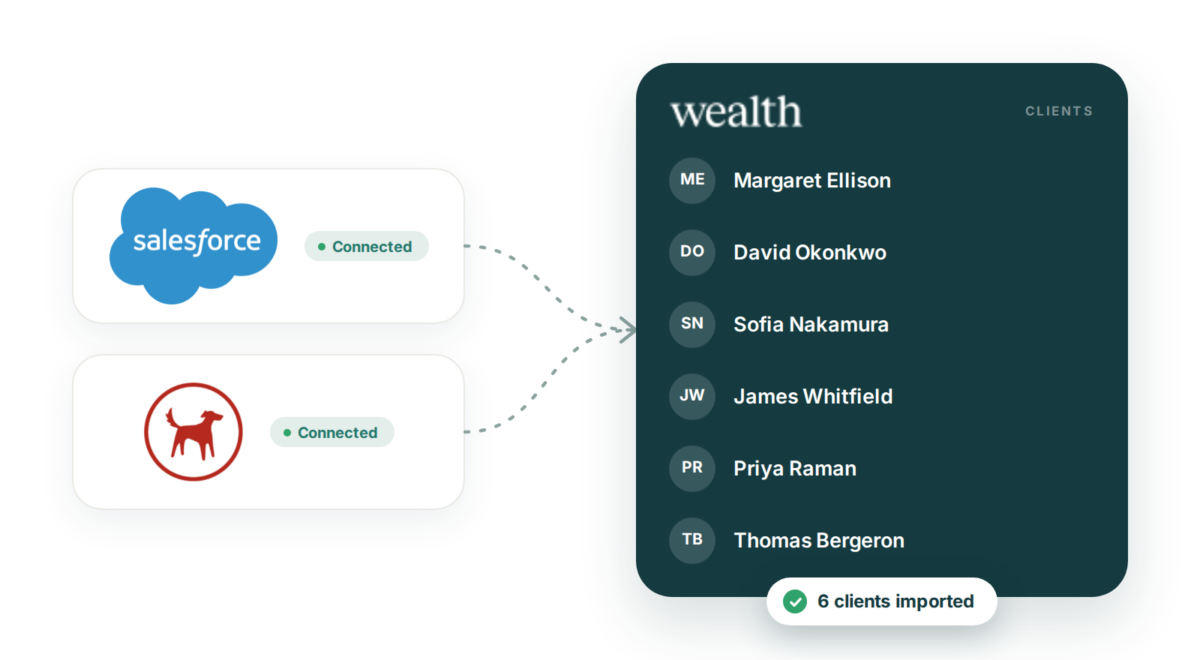
- New Salesforce and Redtail imports. Bring client names, emails, and households directly into Wealth.com.
- Improved eMoney and Advyzon imports. Access your full client list when you open Add Client, making it easier to find and import the clients you need.
A corporate trustee option for LPL clients
LPL clients can now name LPL’s Private Trust Company as a corporate successor trustee directly within Wealth.com’s trust drafting workflow.

With our first corporate trustee partnership in place, we’re building out the network. Tell us which corporate trustees you’d like to see next.
Model more tax planning scenarios
Tax Planning license required
Model more of the contributions, payments, and deductions that shape a client’s tax picture.
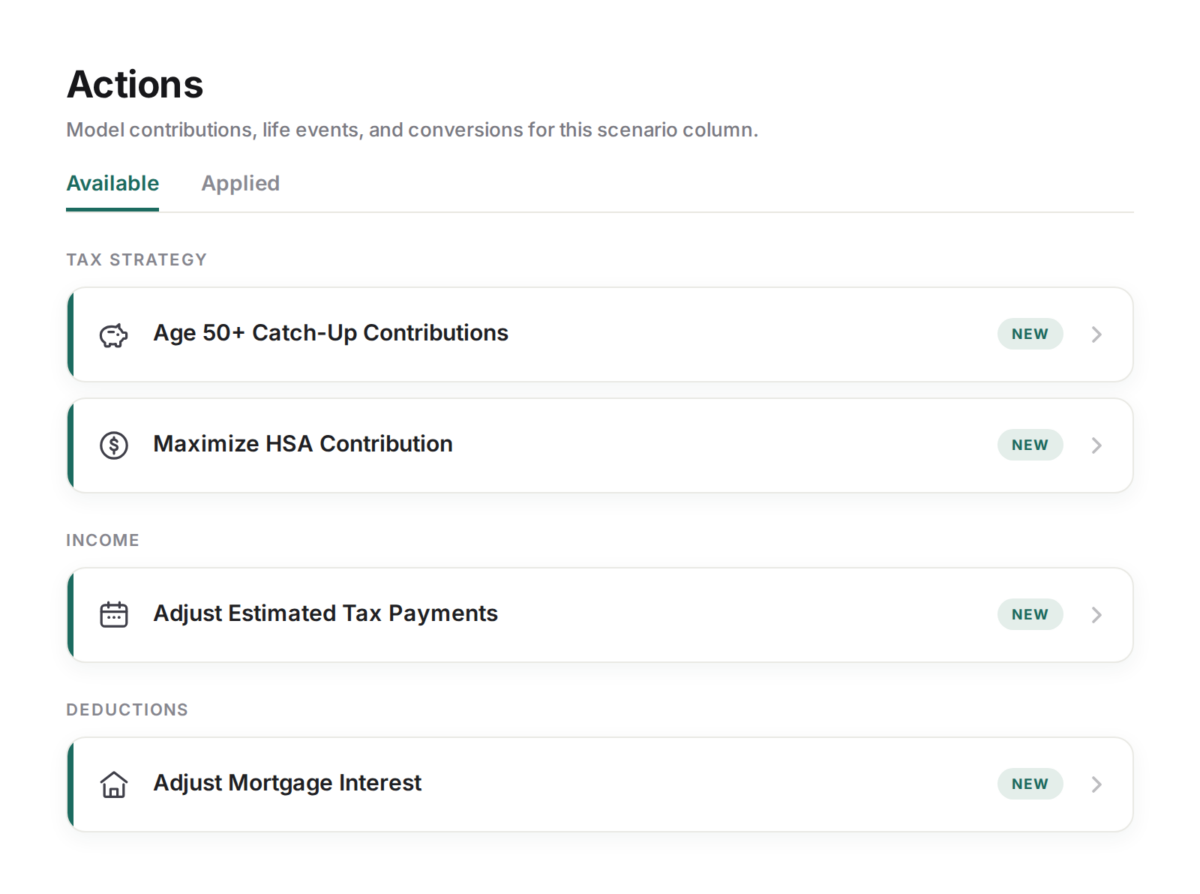
- New scenario types. Model catch-up contributions, HSA contributions, estimated tax payments, and mortgage interest.
- Tax Insights in Claude. Access updated tax insights and identified gaps through the Wealth.com connector.
- State tax updates. Ongoing calculation updates incorporate newly published state tax values.
Bring estate tax estimates and projections into client reports
Make estate planning findings easier to share with a new calculator and additional report slides.
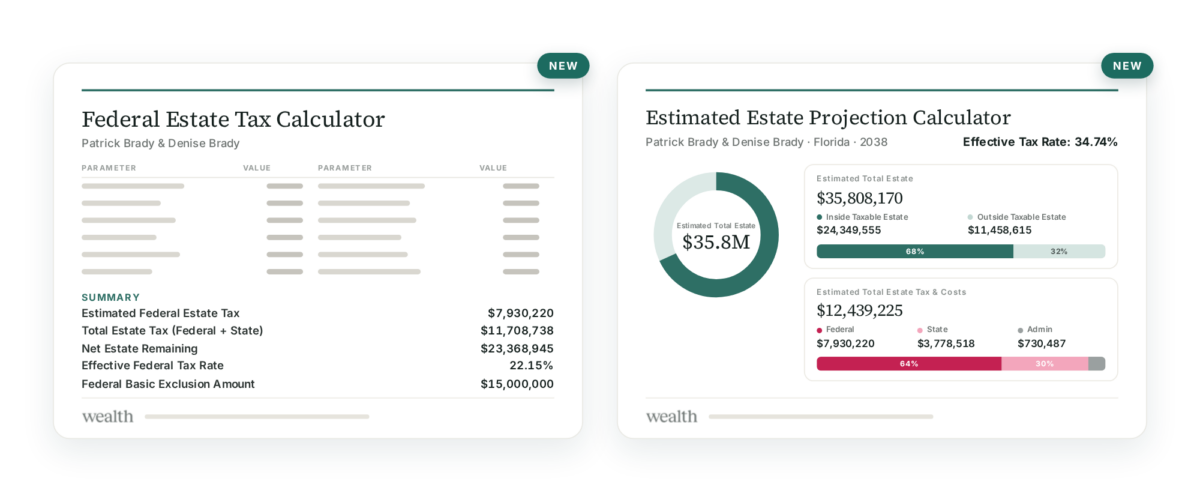
- Federal Estate Tax Calculator. Estimate federal estate tax liability in Calculators, then add the corresponding slide from the Reports slide library to a client report.
- Estate projections in reports. The estimated estate projection from Client Overview is now available as a slide in the Reports slide library.
Give clients a clearer path to the documents they need
Updated guidance and more flexible starting points help clients begin their estate plans.

- Know why a plan fits. The updated Will vs. Trust quiz explains how a client’s state, family, and wishes inform the recommendation.
- Start with a priority document. Clients can begin with a power of attorney or health care directive without first completing a will or trust.
- Deed transfer for more plans. Access deed transfer services for eligible will-based plans and plans created outside Wealth.com.
- Notarization for external documents. Upload eligible PDFs for notarization through the order form, including documents created outside Wealth.com.
Review duplicate records and get help from Ester
Keep client information organized and find answers to your platform questions.
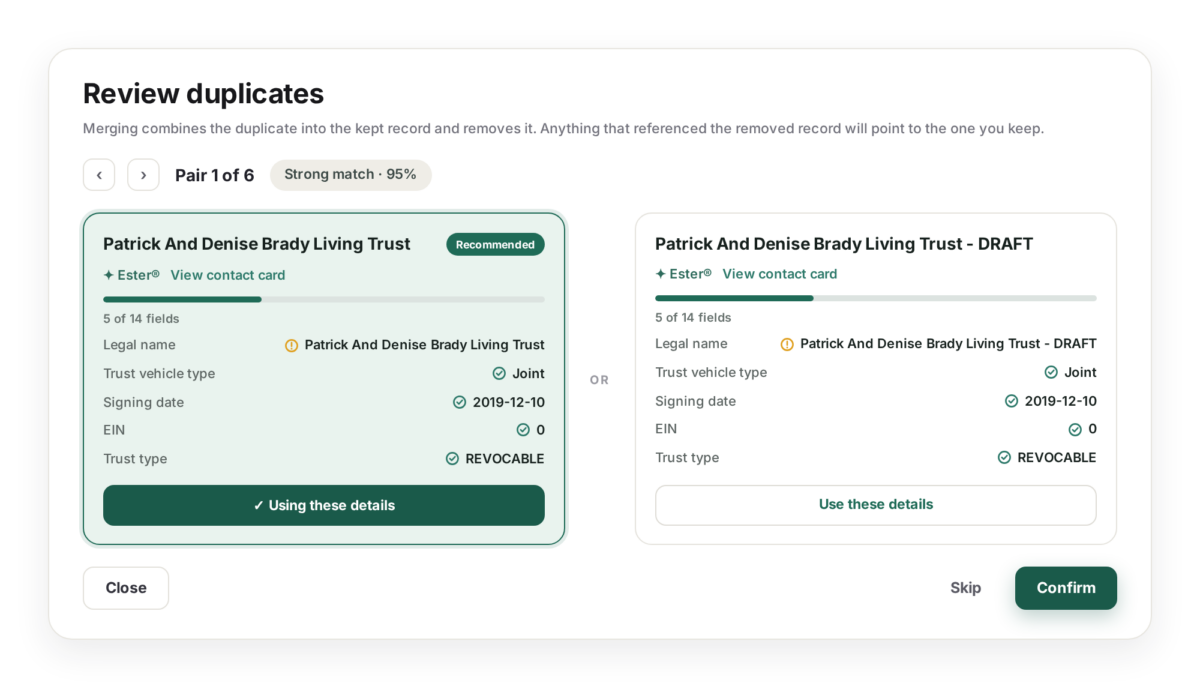
- Review duplicates before merging. Notifications flag duplicate records so you can compare them side by side before confirming a merge.
- Get support answers from Ester. Ask questions about using Wealth.com and get answers drawn from the knowledge base and support articles.
- Bug fixes and refinements. Additional fixes and improvements round out this month’s release.