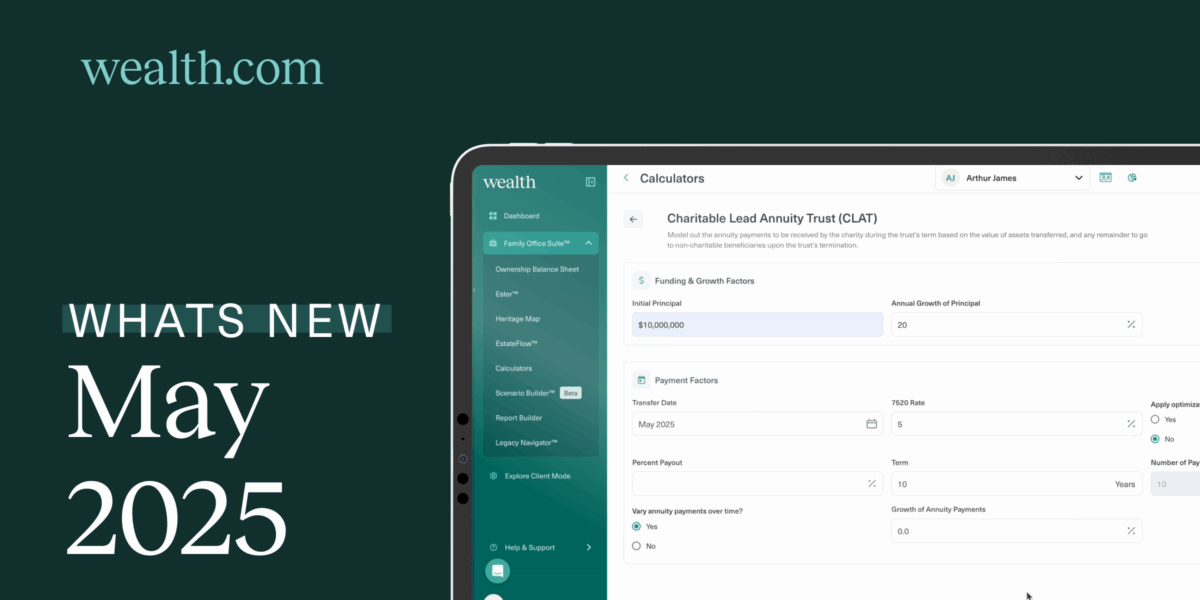
We’re turning up the dial this May with new tools that simplify analysis, streamline workflows, and enhance clarity in client communication. Whether you’re running projections on complex trust structures or signing estate documents with ease, this release equips you with more precision and flexibility across the board.
From the newly unlocked Heritage Map to enhanced Ester document transparency, dive into what’s new this month—and what it means for your day-to-day.
Analyze Trust Strategies in a Click
Standalone Calculators for Irrevocable Trusts & State Estate Tax Analysis:
Access Standalone Calculators to consider the impact of state estate taxes, as well as various estate planning strategies, including Grantor Retained Annuity Trusts (GRATs), Spousal Lifetime Access Trusts (SLATs), and more. This means quick, one-off analyses are just a few clicks away—perfect for exploring scenarios or fielding fast client questions without building a full plan.
Ester® Adds Clarity and Confidence
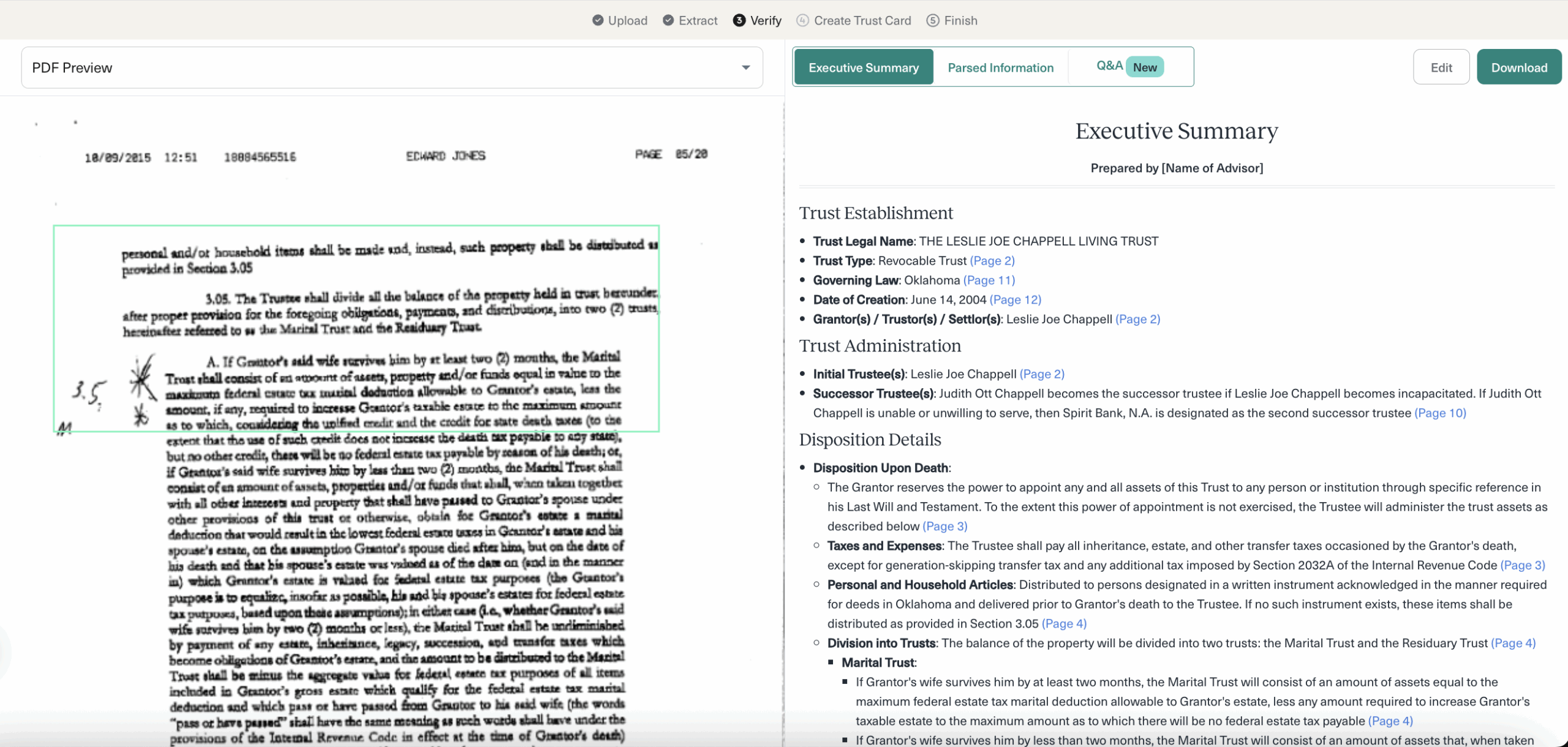
Visual Boundaries for Document Insights:
Bounding boxes are back in Ester’s Executive Summary and Q&A, making it crystal clear where information has been pulled from in the source document. This visual cue helps to navigate reviews and confirmation of information with confidence.
New Tools at Your Fingertips
Heritage Map for All Advisors:
The interactive Heritage Map—once exclusive to Family Office SuiteTM Advisors—is now available to all. Simply add your client’s family members to create a family tree visual that you can walk through in detail with your clients. Deepen conversations about legacy planning with your clients by understanding family dynamics and identifying tax efficient ways to transfer assets to beneficiaries.
Smarter Document Workflows
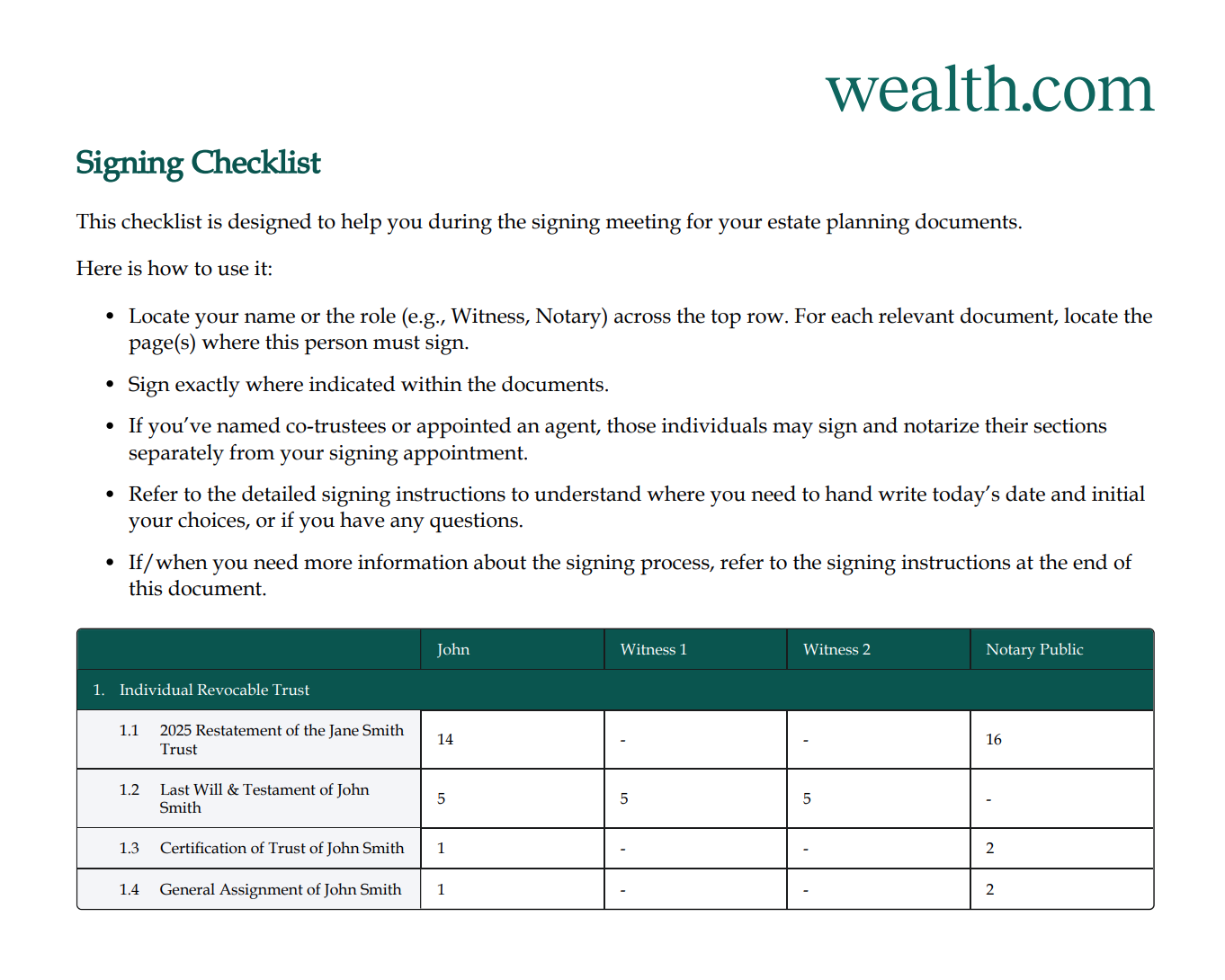
Enhanced Signing Guidance and Consistency:
A new document signing checklist embedded directly in Wealth.com documents makes the process clearer for clients to sign their estate planning documents with greater guidance. Expect labeled signature spots, consistent page numbering, and standardized footers across document types.
eMoney Integration Gets Even Smoothe
Prevent Duplicates, Preflight Without Emails:
You can now avoid duplicate contact cards when linking eMoney profiles to existing Wealth clients, and Advisors can now preflight clients even if their eMoney profile lacks an email address.
Try It Today
Log in now to run a quick trust calculation, explore a client group scenario, or review your documents with Ester’s new visual guidance. Everything we shipped this month is designed to make your planning sharper, your conversations clearer, and your workflows smoother. Questions or feedback? Your Partner Success Manager is always just a message away through the in-app chat.